Know the
tempo. Now.
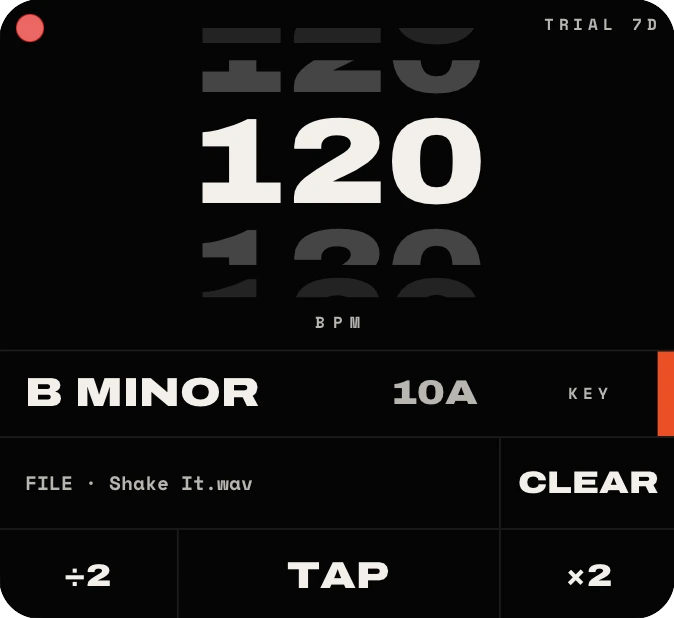
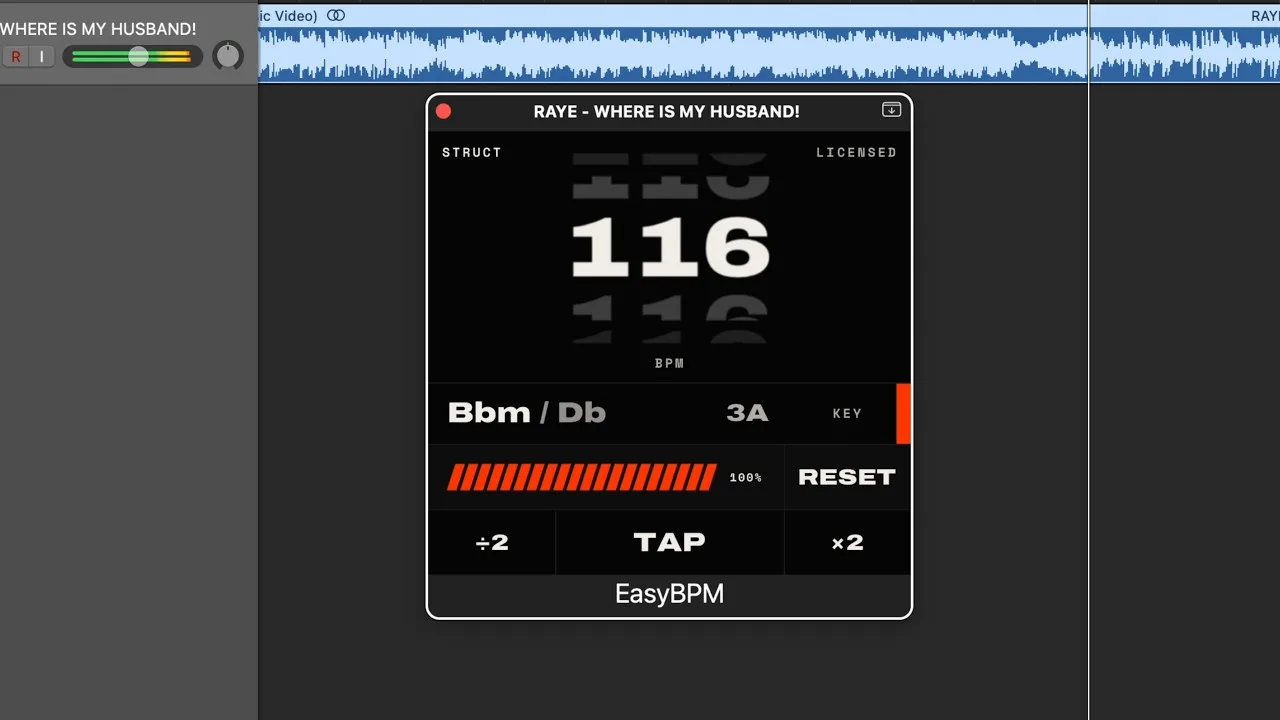
EasyBPM reads the tempo and the key straight off the audio - live on a track while it plays, or from a file you drop on it.
7 days free - then €9 a year, or €19 once, forever
Watch it work.
A full walk-through of EasyBPM, start to finish. More on our YouTube channel.
One number, no guessing.
The number, and the key with it
One answer, not two lookups: EasyBPM reads the tempo and the musical key out of the audio itself - no click, no markers, no tapping - and hands them back together, with the Camelot code beside the key.
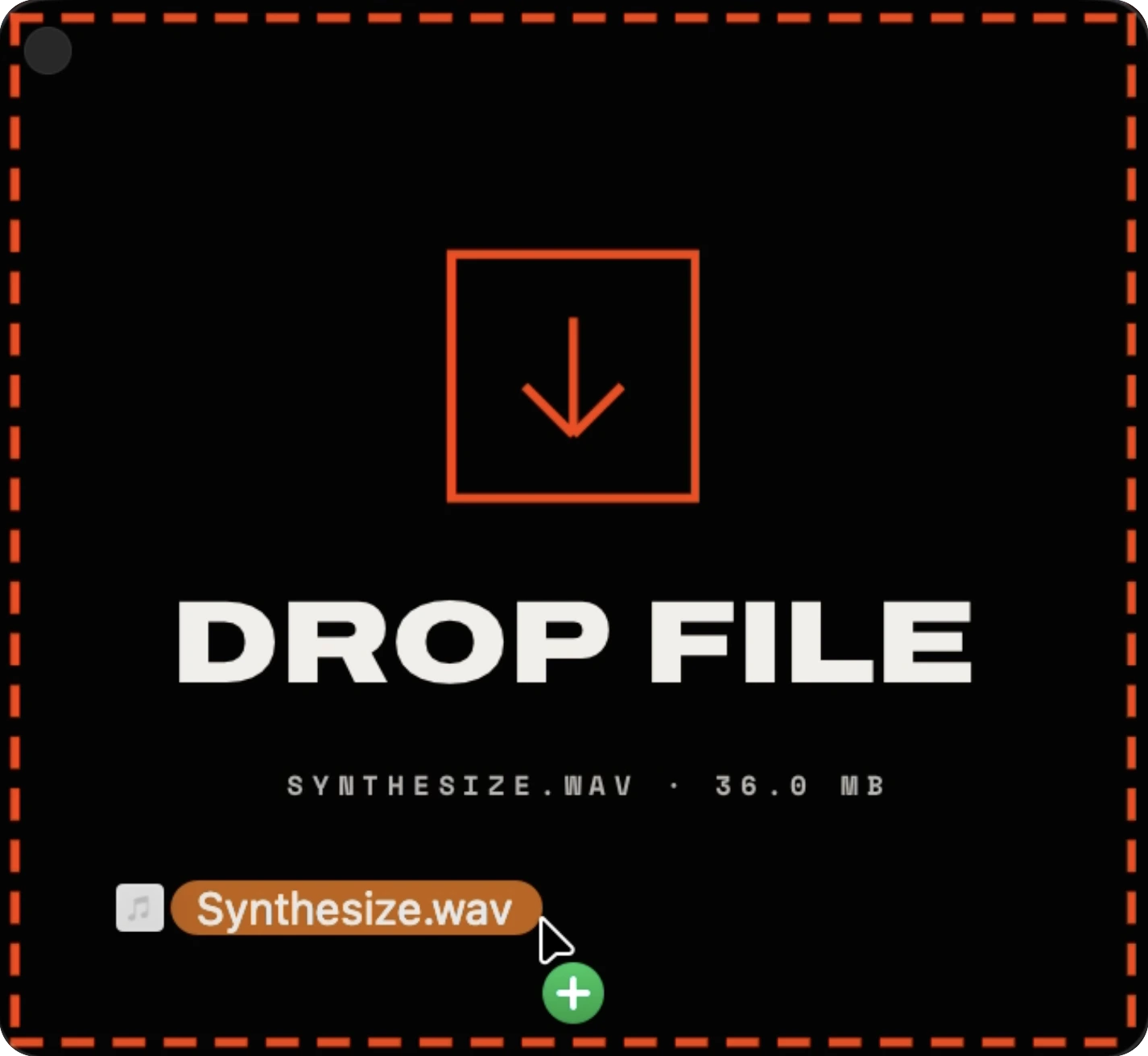
Drop a file, get the answer
Drag any audio file onto the window and the whole thing gets analysed. EasyBPM names the file back at you before you let go, so you know what you are about to measure - then answers with tempo and key together.
Or tap it in yourself
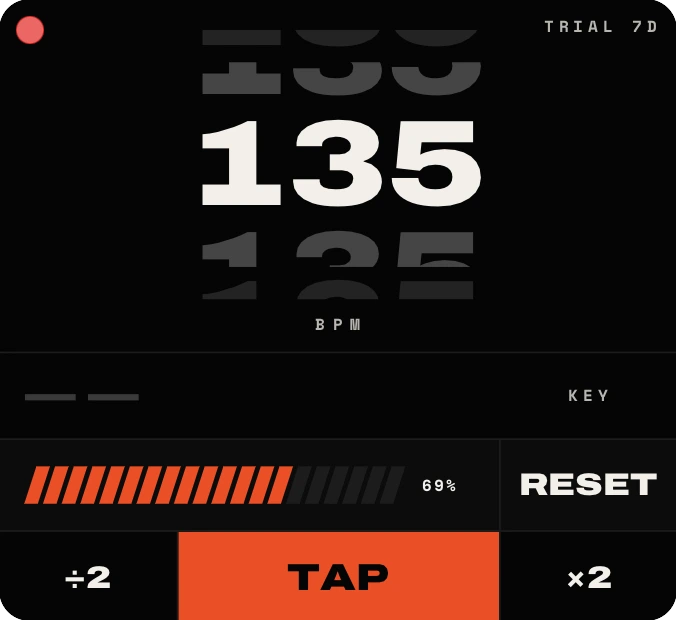
Some material will not give up a grid - a rubato intro, a live take, a voice memo. Tap along and EasyBPM fits a tempo to your taps, with a bar that fills as you go.
See the shape of the track
Switch STRUCTURE on and a dropped file comes back as more than a number. The key arrives with its Camelot code, and under it the whole song laid out in bars - intro, verses, choruses, bridge, outro - so you can read the arrangement before you have listened to a bar of it.
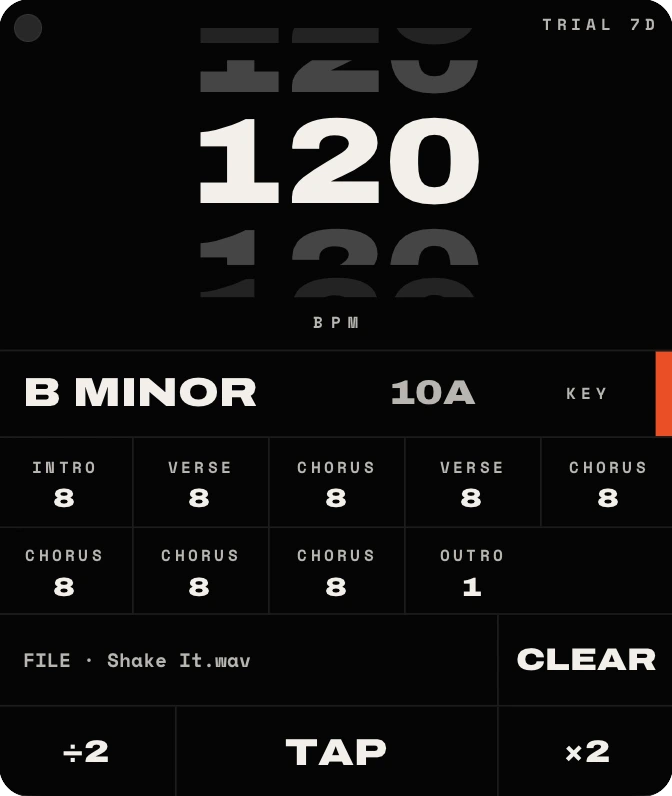
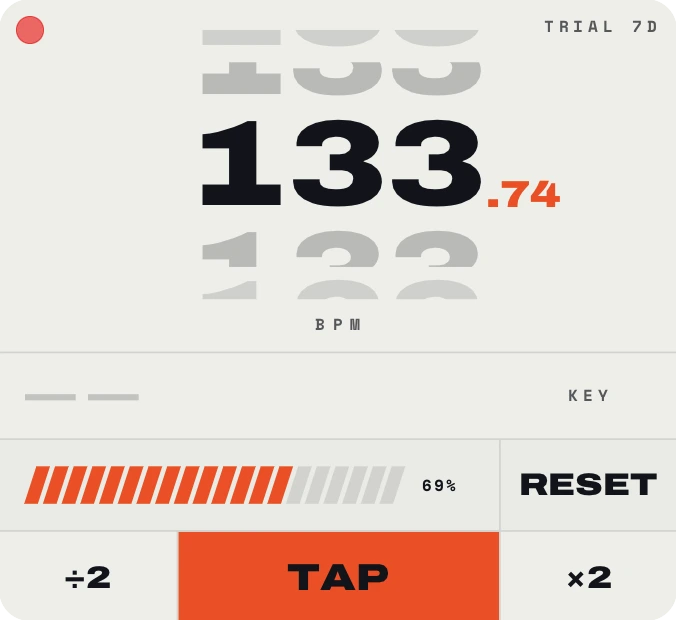
Light or dark, plugin or app
The same window in light or dark, and the same licence either way: the plugin on a track, the standalone app on its own, on both platforms.
Or shrink it to a strip
When the number is all you need, EasyBPM folds down to a single bar - tempo, key and the buttons, nothing else. It stops being a window you have to make room for and becomes a readout you glance at.

Rent it, or own it.
Start with seven free days, then keep it by the year or own it outright.
Already on the yearly plan and want to own it? Buy the licence and we cancel the subscription for you the same minute - you are never billed for both.
No small print.
The free week runs on the yearly plan. Cancel inside it and the card is never charged - and we email you three days before it ends, so the date is never a surprise.
The licence checks in when it can and keeps working for fourteen days when it cannot. A studio without wifi is not a locked-out studio.
One machine on Lifetime, two on Yearly and Studio - and any seat can be handed back from the licence screen and used on the next machine instead.
Good questions.
Manage your subscription
Your licence key is all you need. It opens your own billing page, where you can cancel, change the card and download every invoice. EasyBPM itself has the same button on its licence screen.
Your key is in the welcome email.
A Lifetime licence is bought once - there is no subscription to manage.
Lost the key?
Give us the address you bought with and we will send it there. Nothing opens here - the key goes to your inbox, so only you can use it.
Privacy Policy
Last updated 17 September 2026
EasyBPM is a plugin and app for macOS and Windows, made by EasyOneAudio, an independent studio. We built it to need as little of your data as possible. This policy explains exactly what it accesses, what we collect, and why.
What happens on your machine
All tempo and key detection runs locally, on your own computer. Your audio never leaves it. Files you drop on EasyBPM, the audio on the track it is placed on, the sound it captures with LISTEN, the tempo and key it works out - none of it is uploaded, stored or sent to us or to anyone else. There is no cloud analysis and no account to sign in to.
What we collect
- Licensing & trial. When you activate a licence, EasyBPM contacts our licensing service to verify it. The app sends only your licence key and a machine identifier - a hashed value derived from your computer's hardware. Your email address is collected by Stripe when you start the trial or buy on our website, and we keep it with your licence so we can send you your key and billing emails. This is what binds a licence to your machines and stops it being copied.
- Crash and problem reports. If EasyBPM crashes, or you send a problem report from the Support screen, we receive a technical report - what went wrong and where - plus anything you choose to attach. This can be switched off in Settings.
- Support & feedback. If you email us or write to us from inside the app, we receive your message and email address so we can reply.
EasyBPM contains no third-party analytics, advertising or tracking, and it does not record what you analyse - not the file names, not the tempos, not the keys.
Service providers
- Licensing is handled by Supabase, which stores licence records on our behalf solely to validate licences.
- Payments are processed by Stripe. We never see or store your full card details - Stripe handles them directly under its own privacy policy.
- Our website uses analytics and advertising services (Google Analytics 4 and Meta) to measure traffic and how our ads perform. They load by default and are switched off if you press “Decline” in the cookie banner. When you start a trial or buy, we may share your email address with Meta in irreversibly hashed form (SHA-256) so that we can measure our ads and reach people similar to our customers - Meta receives the hash, never the address itself. Email us to opt out and we will remove you within 7 days.
Retention & your rights
We keep licence records while your licence is active, and support emails for as long as needed to help you. You can ask us to access or delete the data we hold about you at any time - just email us.
Changes
If we update this policy we'll change the date above and post the new version here.
Contact
Questions about privacy? Write to support@easyoneaudio.com.
Terms of Service
Last updated 10 September 2026
These terms are the agreement between you and EasyOneAudio for using EasyBPM. By downloading or using it, you agree to them.
Your licence
We grant you a personal licence to use EasyBPM - the plugin and the standalone app together:
- Lifetime (€19, one-time) - a perpetual licence for use on one machine, including future updates.
- Studio (€29, one-time) - a perpetual licence for use on two machines, including future updates.
- Yearly (€9 a year) - a licence for two machines, valid for as long as your subscription is active, and starting with seven free days.
A licence is signed to the machines it is activated on and may not be shared, resold, sublicensed or reverse-engineered. You can move any seat to another machine by deactivating it on the old one, from the licence screen.
Free trial
EasyBPM comes with a 7-day free trial on the yearly plan, all features unlocked. A payment method is required to start it. If you do not cancel before the trial ends, the yearly subscription begins and your card is charged automatically; we email you three days beforehand. You can cancel at any point during the 7 days and pay nothing. If you buy the Lifetime licence while your trial is still running, we cancel the subscription for you straight away, so you are never charged the €9 on top of the licence.
Payments & renewals
Payments are processed securely by Stripe. The yearly subscription renews automatically until you cancel; you can cancel any time from the billing page or from inside EasyBPM, and keep access until the end of the period you paid for. If you buy the Lifetime licence while a subscription is running, we cancel the subscription for you straight away, so you are never billed for both.
Refunds
Under EU consumer law you have a 14-day right of withdrawal from the date of purchase: if you change your mind within 14 days, email us and we'll issue a full refund. After that period all sales are final. Because there is also a free 7-day trial, please make sure EasyBPM works for you before the card is charged.
What it does
EasyBPM reads audio and reports a tempo and a key. It does not modify your audio, your MIDI, your plug-ins, your project files or your project tempo. Detection is a measurement, not a guarantee: some material is genuinely ambiguous, which is why every reading carries a confidence figure and why halve and double are one press away. Always keep your own backups of your work.
“As is”
We work hard to keep EasyBPM compatible with current versions of macOS, Windows and the hosts it runs in, but it is provided “as is”, without warranties. To the extent permitted by law, EasyOneAudio is not liable for any indirect or incidental damages arising from its use.
Changes & termination
We may update these terms (we'll change the date above) or discontinue the product, and we may suspend a licence used in breach of these terms.
Contact
Questions? Write to support@easyoneaudio.com.